
Free Online Image Splitter & Photo Grid Maker Tool — AI Image Splitter
Use this free online image splitter tool to split images for Instagram, Facebook, Pinterest, TikTok, or A4/print layouts with built-in ratio presets (Default • 4:5 • 3:4 • 1:1) — 100% free, no signup, no downloads, and no usage limits because everything runs privately in your browser.
Drag files here or click to upload
Supports JPG, PNG, GIF formats, up to 50MB
How to Use the Image Splitter
1. Upload Privately
Add any JPG, PNG, GIF, or WebP (up to 50MB). Everything processes in your browser, so files never leave your device.
2. Pick Ratio & Layout
Choose split ratios (Default, 4:5, 3:4, 1:1) plus rows and columns, then drag the locked crop box to the best area.
3. Split & Download
Generate perfect grids or long panels instantly, download single slices or a ZIP, and export as JPG, PNG, WebP, or BMP.
What is AI Image Splitter?
AI Image Splitter is a free online image splitter and photo grid maker. All processing stays inside your browser, so nothing is uploaded or stored. Use built-in ratio presets (Default / 4:5 / 3:4 / 1:1), a draggable crop box, flexible row and column settings, plus ZIP or single-image downloads in JPG, PNG, WebP, or BMP to create slices for Instagram, Facebook, Pinterest, TikTok, A4 printouts, or long collages. Need Instagram-only grids that follow the 2025 feed update? Visit our sister site igridmaker.com for that dedicated workflow.
AI Image Splitter Features


Completely free online image splitter
A genuinely free online image splitter tool: split image online without logins, watermarks, or paywalls.
Flexible ratio presets
Built-in Default/4:5/3:4/1:1 ratios plus custom grids keep Instagram, TikTok, Pinterest, Facebook, and A4 print layouts perfectly aligned.
Multi-use coverage
Create Instagram carousels, Pinterest collages, TikTok long posts, or export A4-ready print pages and PDF workbooks in seconds.
Beginner-friendly workflow
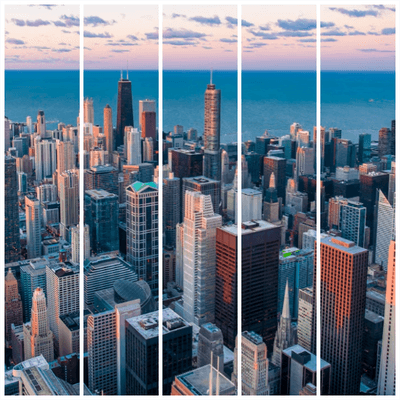
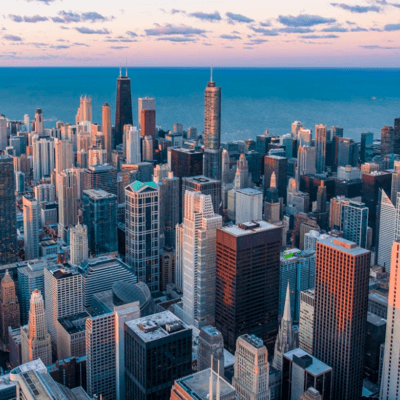
Drag-and-drop upload, guided crop boxes, and instant split previews help any beginner finish professional grids in under a minute.
Local browser security
All processing stays on your device, so client assets, personal photos, and confidential files never leave your browser.
Unlimited splits & one-click export
Split as many images as you like, export JPG/PNG/WebP/BMP, and download ZIP bundles or single slices with one click.
AI Image Splitter Use Cases
Social grid & carousel posts
Use the AI Image Splitter for Instagram grids, TikTok stories, or Pinterest carousels: split one photo into 4:5 or 3:4 slices so every panel flows seamlessly.
Pinterest boards & shop collages
Split images online for Pinterest boards or Etsy/Shopify storefront collages, keeping every pin, tile, or product banner perfectly aligned.
A4 print, PDF, and workshop handouts
Answer the request to split images into A4 sheets or PDFs by slicing posters or infographics into printable handouts for workshops, classrooms, and offices.
Web sections & multi-screen displays
Use the grid splitter to break landing-page hero images or dashboards into precise modules that span multiple columns, monitors, or LED walls.
Long-story prep & scroll experiences
Prepare long scrolls by combining artwork into a tall collage and splitting it for TikTok story posts, blog scrolls, or comic-style reels—ideal for storytelling.
Tutorials & team walkthroughs
Run an image splitter tutorial in under a minute: upload, pick a ratio, split, and let students or teammates export professional grids instantly.
Need a full walkthrough?
Read the “How to Segment an Image Online” guide for ratio tips, sample grids, and FAQs, then come back here to split your images instantly.
Read the full tutorialHow to Get the Best Experience with AI Image Splitter
Pro tips for split image online workflows
Match ratios to your platform
Before you split images online, pick Default, 4:5, 3:4, 1:1, or a custom grid that fits Instagram grids/carousels, TikTok stories, Pinterest boards, or A4 print layouts.
Drag the crop box to protect key subjects
After upload, reposition the locked crop box so your product, skyline, or text stays inside every slice; for banners or long stories, keep margins even across rows and columns.
Preview, then export ZIP + single slices
Use the instant preview to fine-tune rows and columns, then export both single files and a ZIP bundle so you can publish or archive without re-splitting.
Choose the right output format upfront
JPG works for social feeds, PNG keeps transparency, WebP/BMP suit lossless assets. Picking the format now saves conversion time later.
Leverage browser privacy and multilingual UI
All processing stays inside your browser, and you can switch languages (English, Portuguese, Indonesian, etc.) to guide teammates through the same 'upload → ratio → split → download' flow.
Frequently Asked Questions
Answers to the most searched queries about online image splitters, Instagram grid makers, and printable A4 dividers.
Ready to Create Amazing Grid Layouts?
Start splitting your images and create engaging social media content.